Training Videos

General
Missing image https://i.vimeocdn.com/video/2152223499-8750bb01f82fbd5cec9314392a87bcd4e3b316482770e856a189a2d1365b8029-d_960?region=us
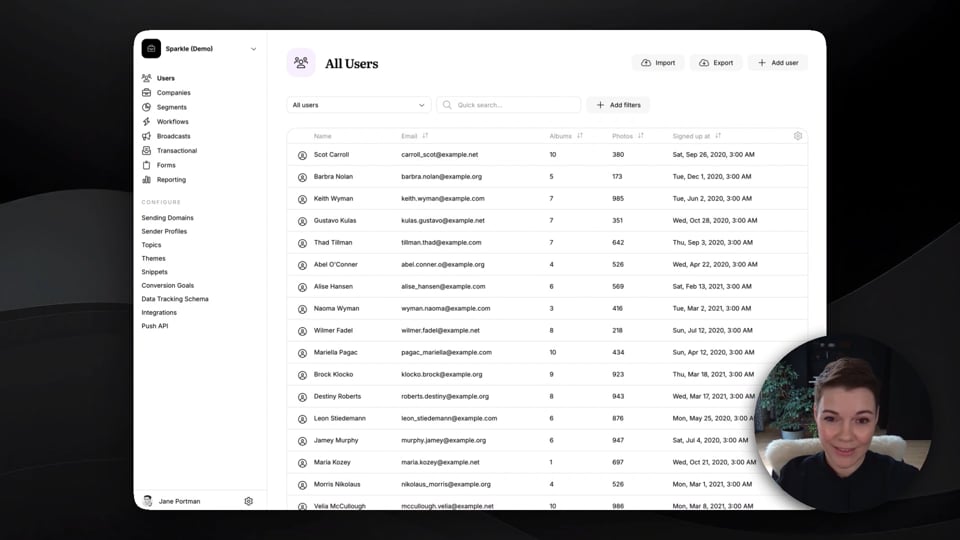
Userlist demo: 6-minute platform overview
Explore key Userlist features: user management, company-level data, segmentation, workflows, broadcasts, and reporting
5:38
Missing image https://i.vimeocdn.com/video/2073359054-2d280be423599761af7f50a2c4c8c39d0290088336d898df5dc2355a60a6a92a-d_960?region=us
Userlist Push API
Learn how to use the Userlist Push API to send data from your application into Userlist.
2:22
Missing image https://i.vimeocdn.com/video/2157348870-6508dc6ecfc4361ba2ea89d7bbe31c38f9506b340e4474ed4aecee99096dd175-d_960?region=us
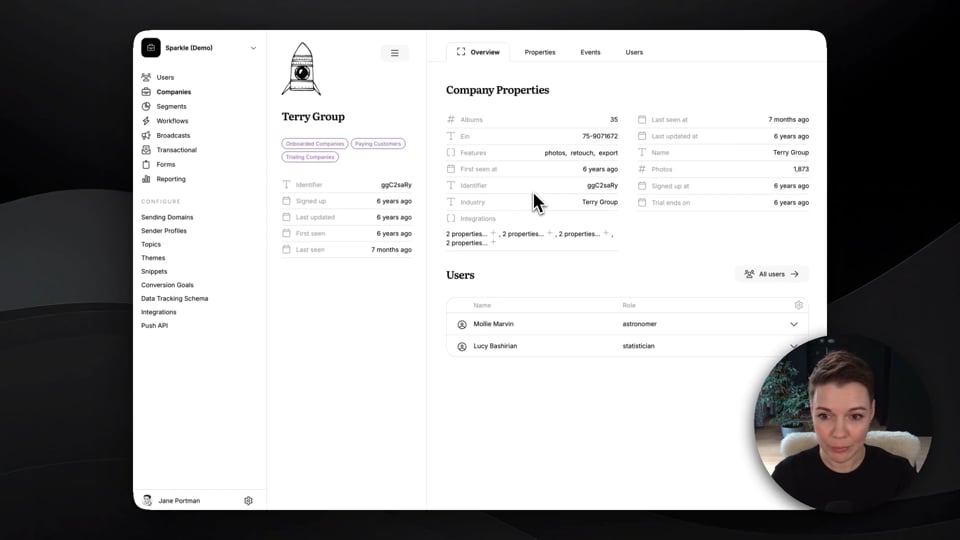
Using company-level features in Userlist
Learn about company-level data, segmentation, and triggers.
2:06
Missing image https://i.vimeocdn.com/video/2159020430-9d5e13531f19530d973fbb08c9025ac999f7f58beb6e4c6a4436757ae22726c4-d_960?region=us
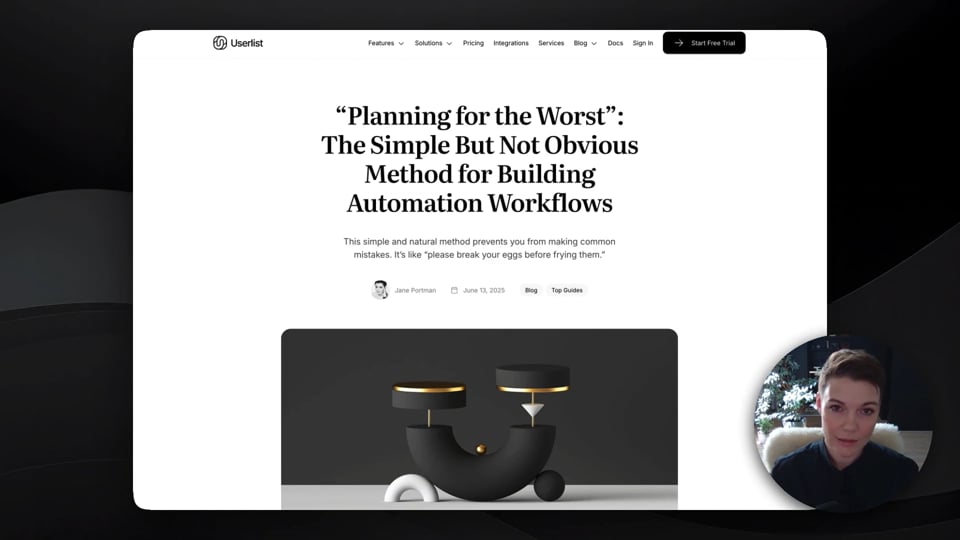
“Planning for the Worst” method for building workflows
Use this method to create automation workflows, and avoid common mistakes in logic.
3:13
Missing image https://i.vimeocdn.com/video/2159000493-5993e96d96343ff2c5ffbc087b71c5df3c97096cd74e74a1eae04912805bba19-d_960?region=us
Atomic Emails method for creating email content
Use this method for planning workflow content based on your existing assets.
3:40
Missing image https://i.vimeocdn.com/video/2159030746-b78b4fe0389f379321756b692f0b0d1bc12bc1934694b414c6eb27767b27bad3-d_960?region=us
Using Userlist for multiple products
Learn how to approach email marketing if you run a portfolio of products.
1:39

User management
Missing image https://i.vimeocdn.com/video/2158675817-9f42a4a7966497bc978cf2c4edc3a642740eefd9db04ffe558630cff76cbb0e9-d_960?region=us
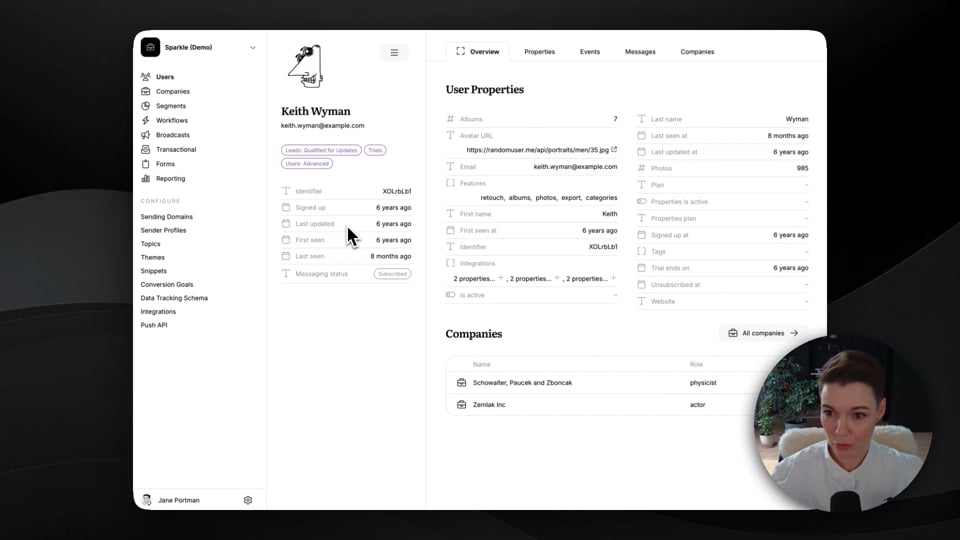
Managing users in Userlist
Learn about user management features: the list of users, and user profile page.
1:19
Missing image https://i.vimeocdn.com/video/2153383604-8c2412b37d6fb72db57178dce65f9d9728e98b18eed75a33f374a3f4fae3bfc3-d_960?region=us
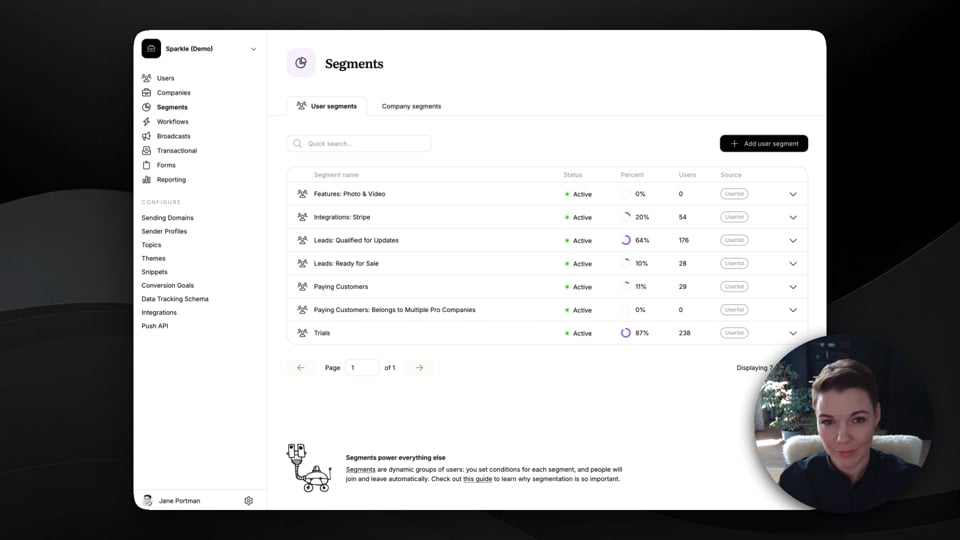
Creating a segment in Userlist
Learn how to create a segment, edit conditions, and see who belongs to a segment.
1:06
Missing image https://i.vimeocdn.com/video/2157428233-5e366b7aaa5696c98234443b32587f8340f372240ffca9e868a3df62b4515b27-d_960?region=us
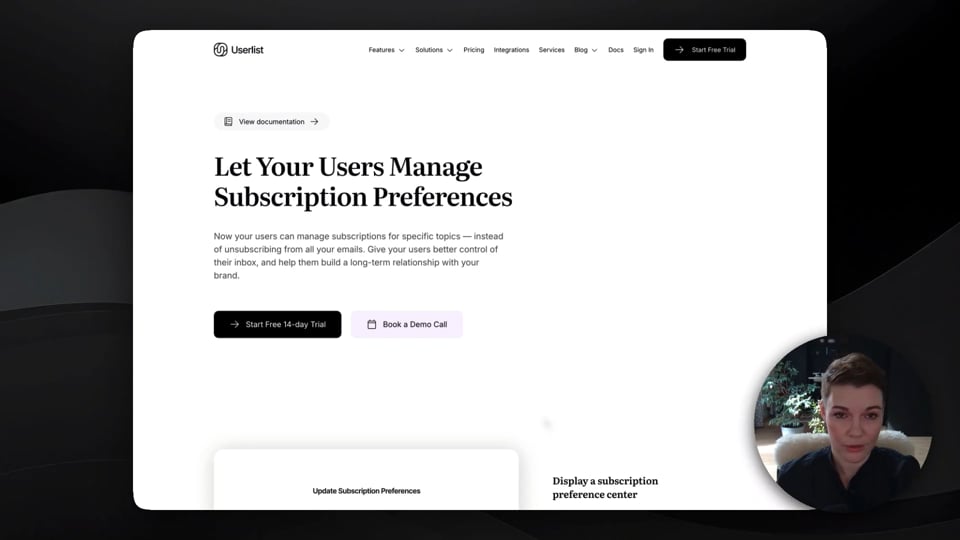
Using subscription preferences (topics) in Userlist
See how subscription preferences work, and learn the difference between public and internal topics.
1:13
Missing image https://i.vimeocdn.com/video/2080711968-5020c7d77246d6a4a7e92a3068e9320df93818d2e83b72903199ac8df5be33d8-d_960?region=us
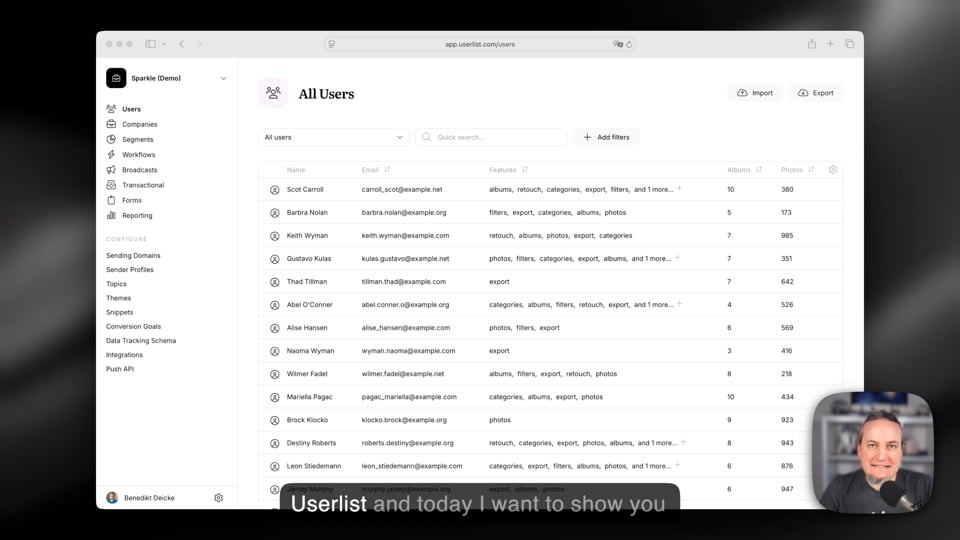
Array filtering in Userlist
Benedikt explains how to use array filtering in Userlist using two examples: A simple array of strings and a more advanced array of objects.
4:41

Workflows
Missing image https://i.vimeocdn.com/video/2153399061-73abccf8c3109d6c91c2361d3841b0e1d47e05d1b9645eb245f0f108e325a7c1-d_960?region=us
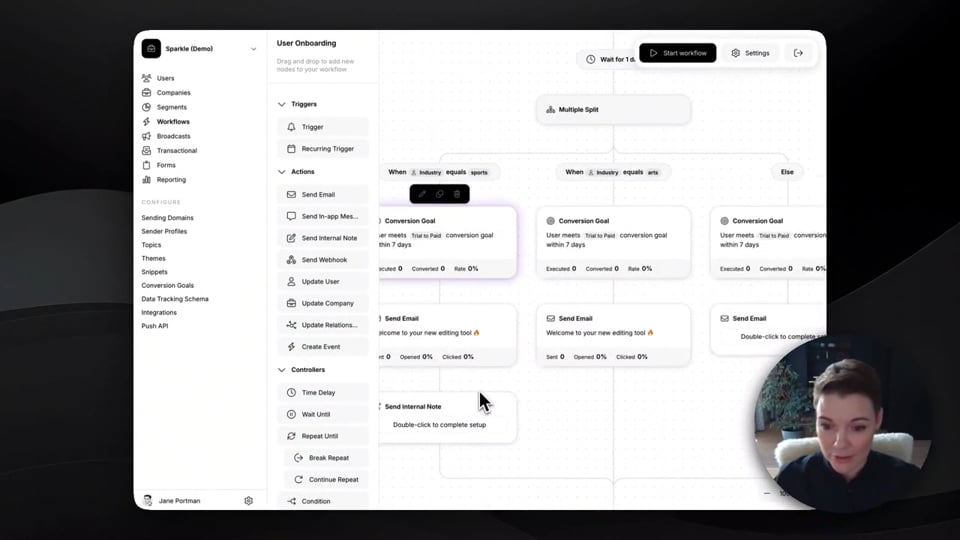
What’s possible with Userlist workflows
Learn about workflow triggers, actions, and automation logic.
1:59
Missing image https://i.vimeocdn.com/video/2153466308-b9150473724713307ddbc1d453cfa23bbb372693ca83c42544a8f0b0e7cc816a-d_960?region=us
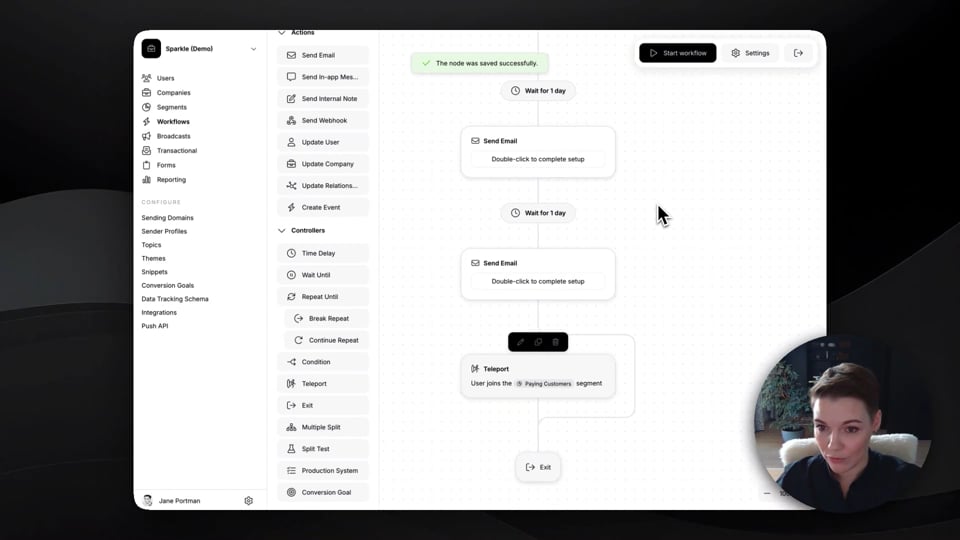
Creating a workflow in Userlist
Learn how to create a workflow, set up a trigger and an exit condition.
1:25
Missing image https://i.vimeocdn.com/video/2073360406-be4bb61a444ada65917fc775105dd7a573116f3d3a7e29766994171e8b435fd2-d_960?region=us
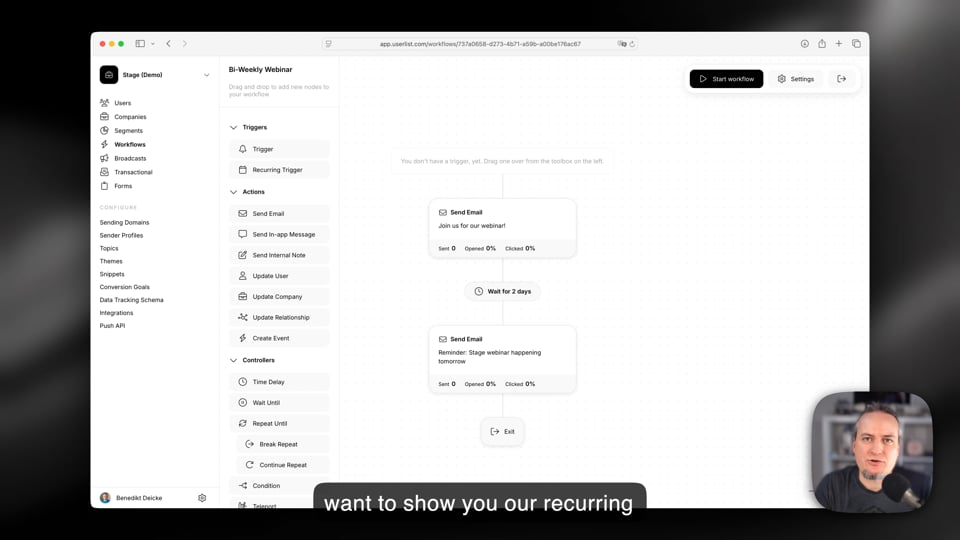
Using recurring triggers in Userlist
Learn how to use recurring triggers in Userlist. They can power campaigns like bi-weekly webinar reminders, quarterly business review invitations, or monthly usage reports.
5:07
Missing image https://i.vimeocdn.com/video/2159028001-7e16500d4d7c72a5c917ac595273bad894d3af88a4983ee3b176592cb77ca9bc-d_960?region=us
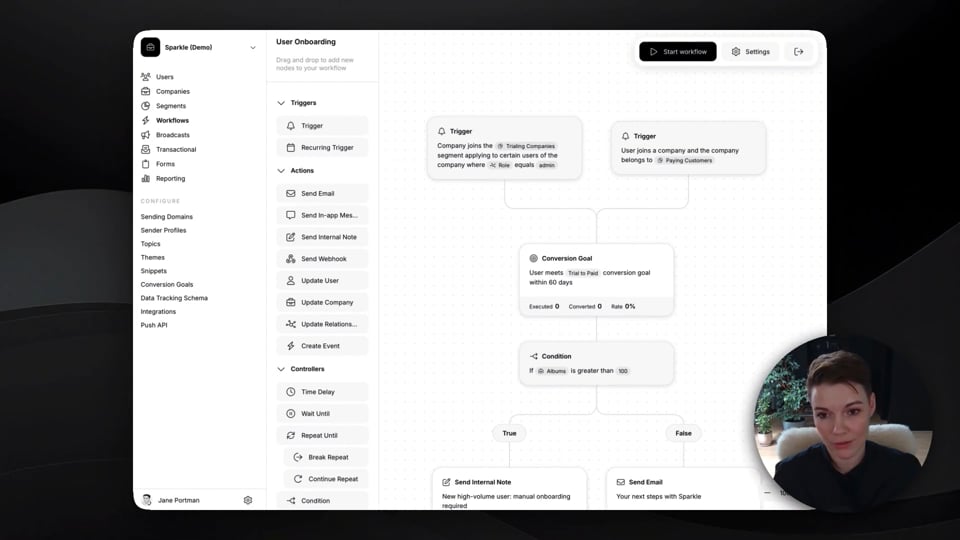
Using company-level triggers in Userlist
Learn how to use company-level triggers in workflows, while considering individual user journeys.
2:13
Missing image https://i.vimeocdn.com/video/2153921957-3ced12109c6afa850101099110aac405cb1439e7e0cf2ac1cb766021f7c6d92a-d_960?region=us
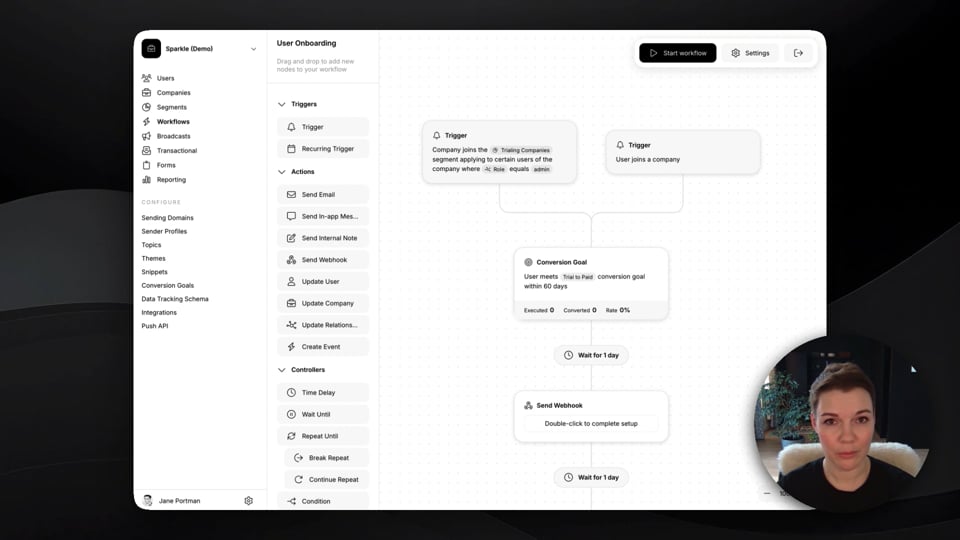
Using conversion goals in Userlist
Learn about different ways of using conversion goals in workflows, and how to create a new one.
1:30
Missing image https://i.vimeocdn.com/video/2159550718-c58581134459dd9d64b1d32e58df8e3f148dc57d0a9fe0257e537717d3a408e3-d_960?region=us
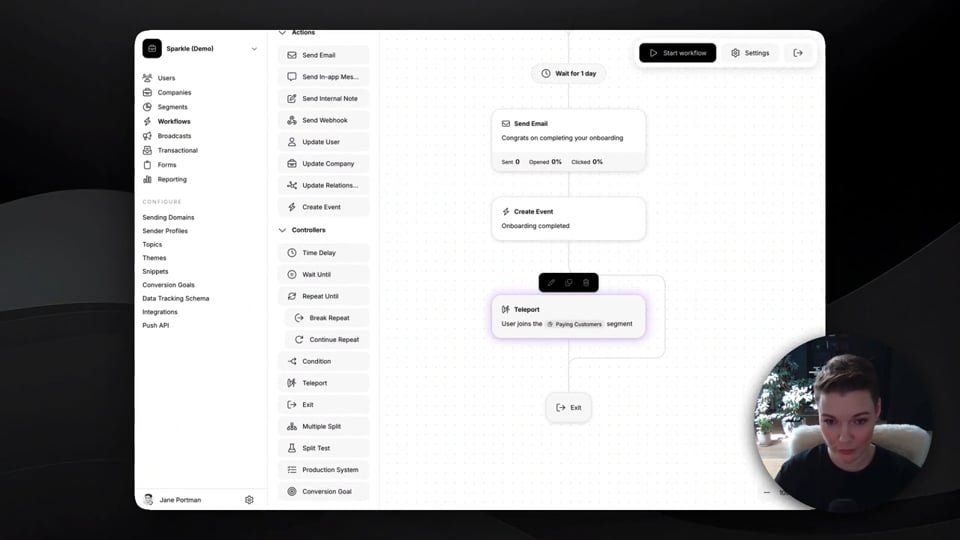
Using teleports in Userlist workflows
Learn how to use teleports as an exit condition, and in the middle of a workflow.
1:45
Missing image https://i.vimeocdn.com/video/2159534682-35e0dadb2acb7b04242fd9e8cd8eaa8b945cdca6263fa4131439b43ac869bc92-d_960?region=us
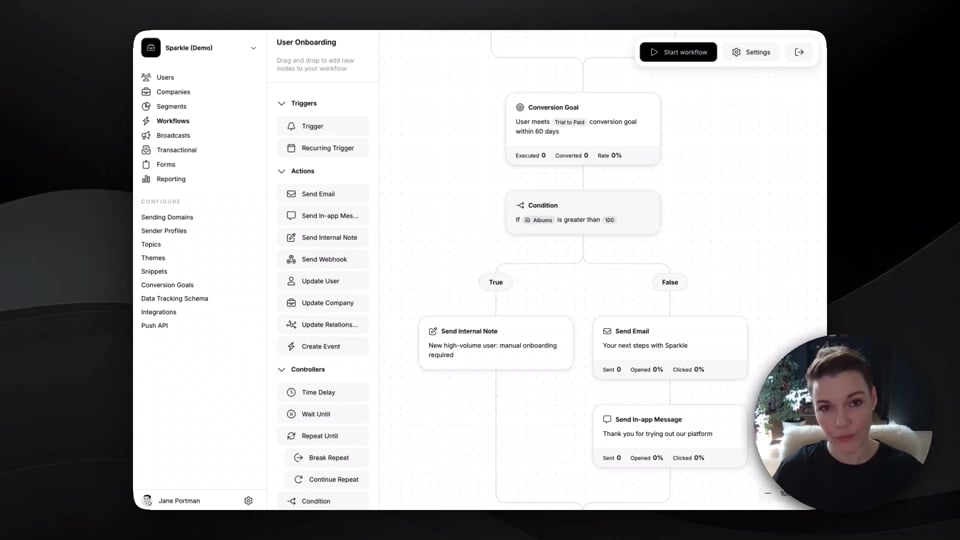
Using internal notes in Userlist workflows
Learn how to send an internal notification to your team inside a workflow.
0:44
Missing image https://i.vimeocdn.com/video/2159549862-2b7039b8df2ae1de3621b2d95fcab2cd14c9b5bb51c25b00af5c33fa9119206b-d_960?region=us
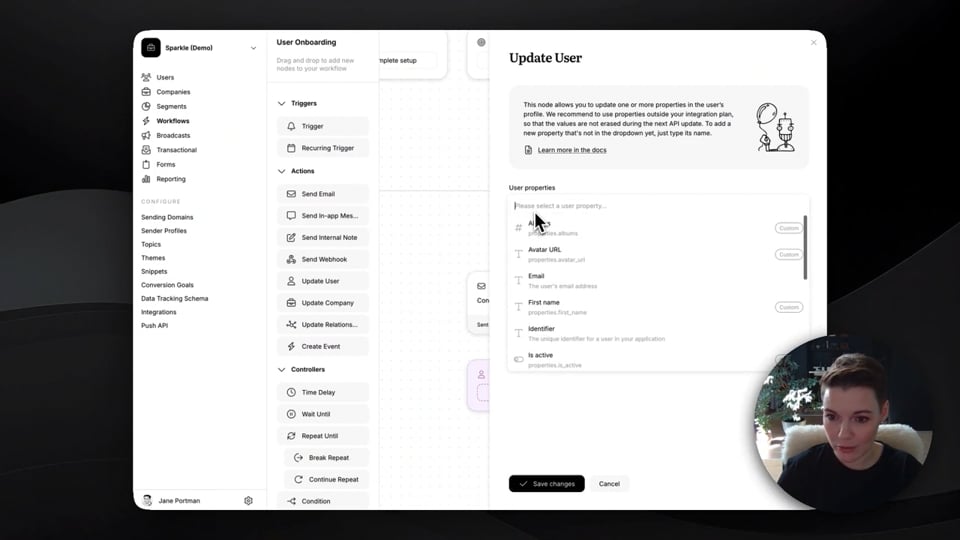
Updating properties in Userlist workflows
Learn how to update user properties and company properties inside a workflow.
1:11
Missing image https://i.vimeocdn.com/video/2159535260-44caaff326b99c8c8f6ace09ed61579ec842edc44bdb92d71b42c6c1e2d3789b-d_960?region=us
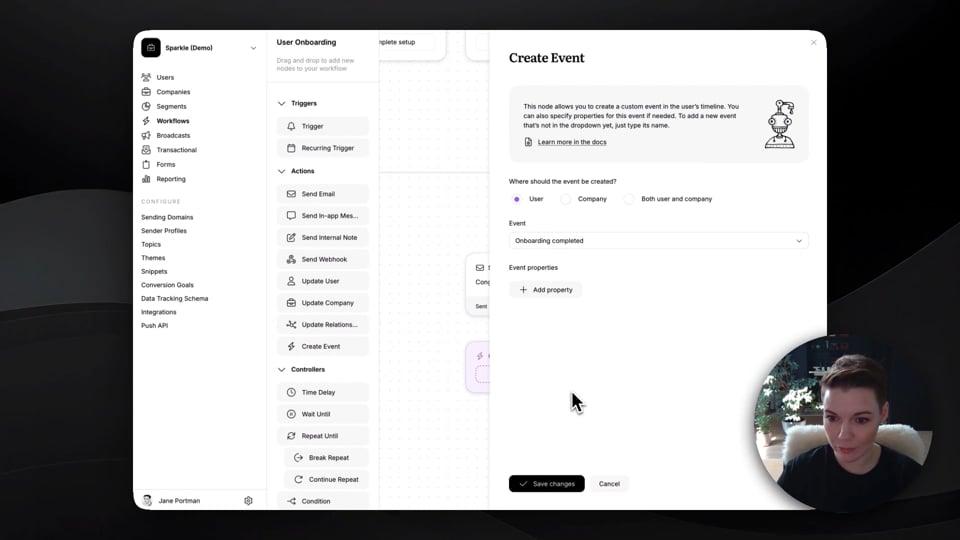
Creating events in Userlist workflows
Learn how to create events in user and company timelines inside a workflow.
1:04
Missing image https://i.vimeocdn.com/video/2159535869-716d021d434fb925a8cf11a3fda1d8829ad4b2a1d00f2fb2eeb95e4a9e13e727-d_960?region=us
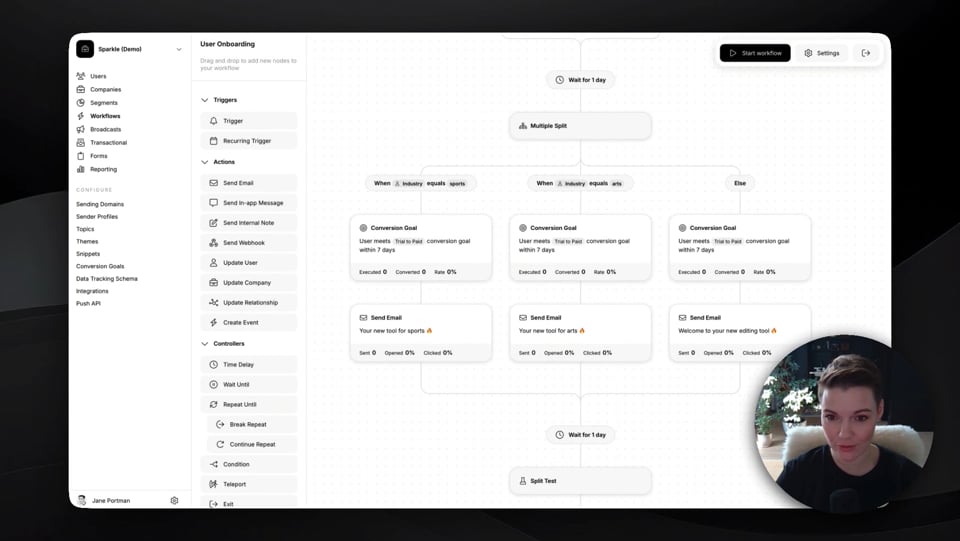
Using a multiple split in Userlist workflows
Learn how to split user journey into multiple paths based on conditions.
0:55
Missing image https://i.vimeocdn.com/video/2159544609-504725e3a951d6077856bba40dd72aabdc0f716dfbd1551381d24bc8be2fd035-d_960?region=us
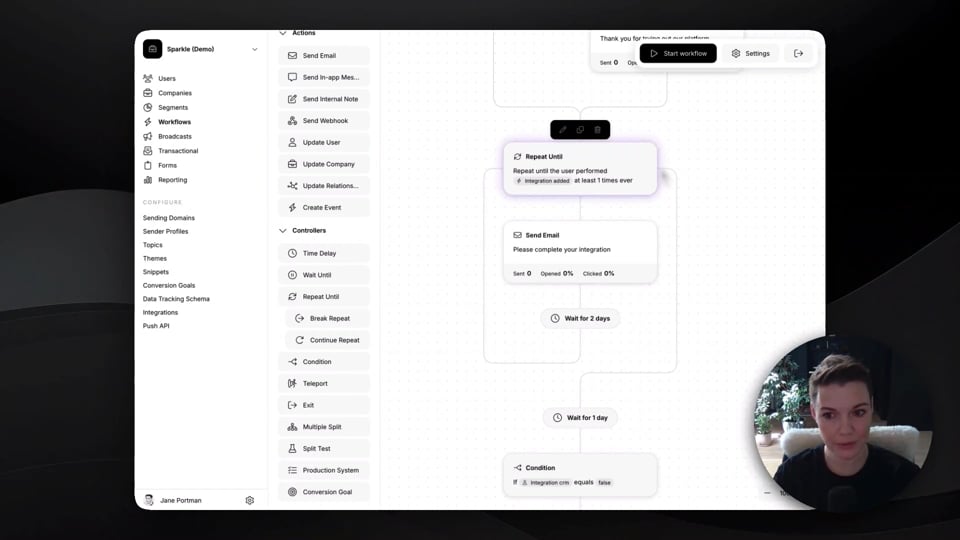
Using “repeat until” in Userlist workflows
Learn how to repeat your actions in a cycle, until the desired conditions are met.
1:03
Missing image https://i.vimeocdn.com/video/2159546179-b94d4a94434e41f8af4473199d434656b136037e46915f844c7503a2b587e200-d_960?region=us
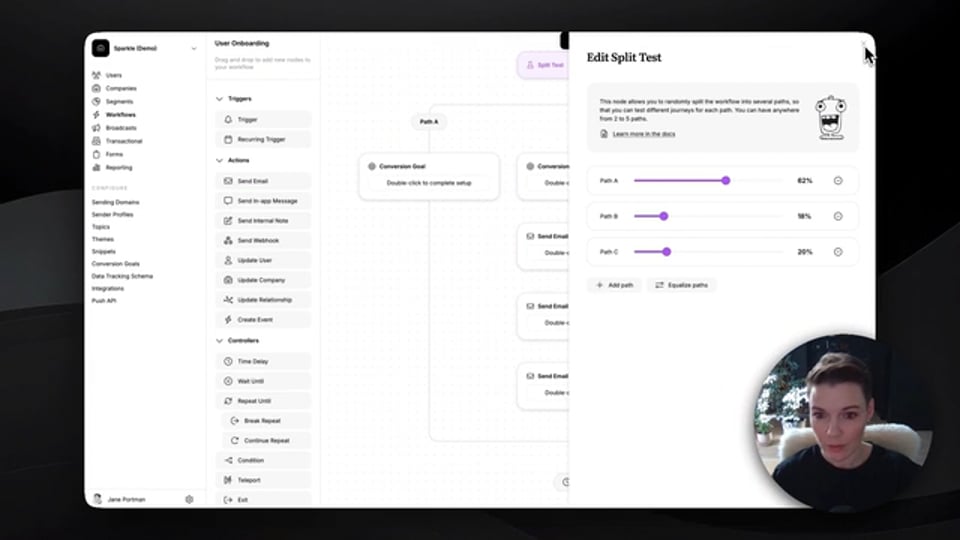
Running a split test in Userlist workflows
Learn how to run a test with up to 5 variations of user journeys.
0:58
Missing image https://i.vimeocdn.com/video/2159533811-57247793eede345c7f99a68b2d241de34fde3a35556d9b05124018a651a78d79-d_960?region=us
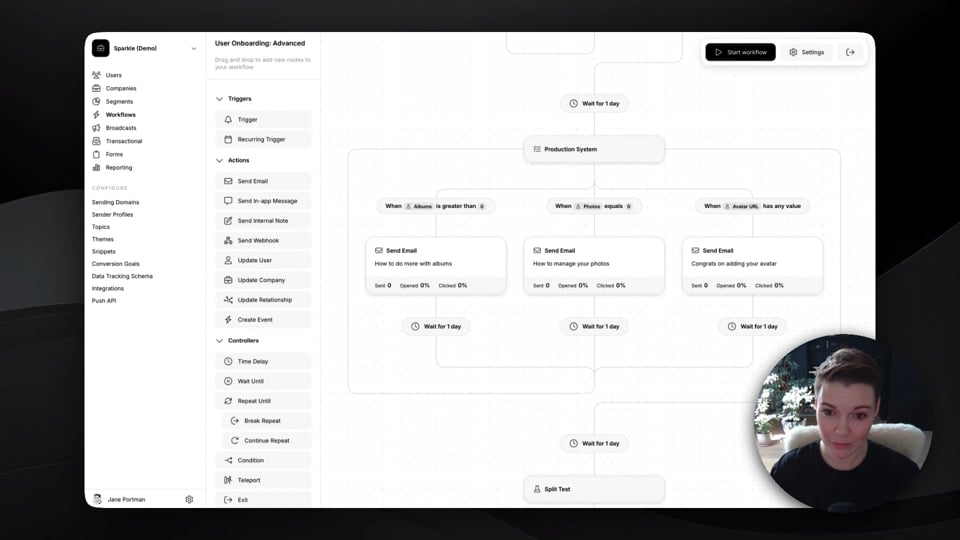
Using a production system in Userlist workflows
A production system checks all paths until it finds a path that can be executed.
0:50

Other features
Missing image https://i.vimeocdn.com/video/2153364213-2677a928bc27eb18d4f63dd050eb59635b13a6eca13f0a8c33c9733fec000bdc-d_960?region=us
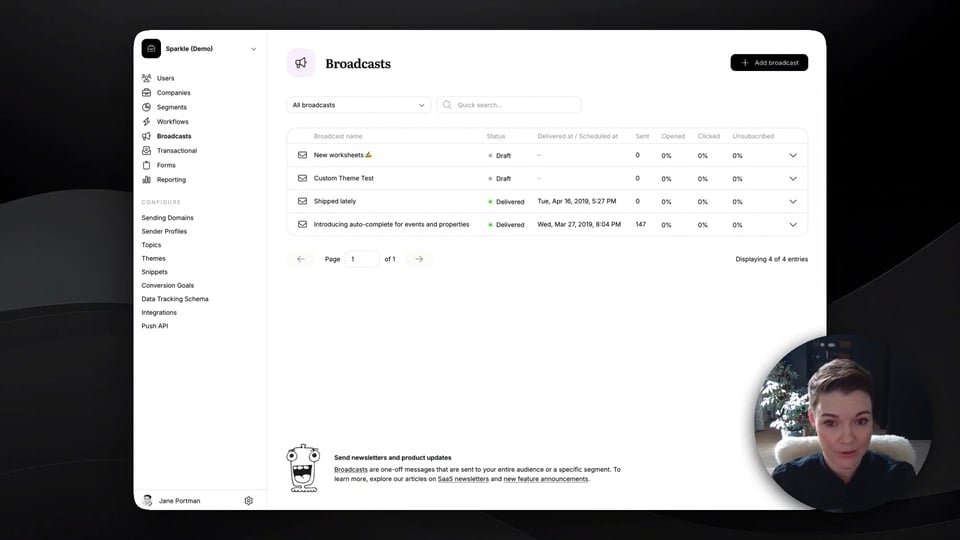
Creating a broadcast in Userlist
Learn how to create a broadcast, schedule it, throttle delivery, and view the analytics.
1:11
Missing image https://i.vimeocdn.com/video/2153932194-87ccf8a93de2672b24694abe38560f6ecd520fd833b2210b89a27919c4496eee-d_960?region=us
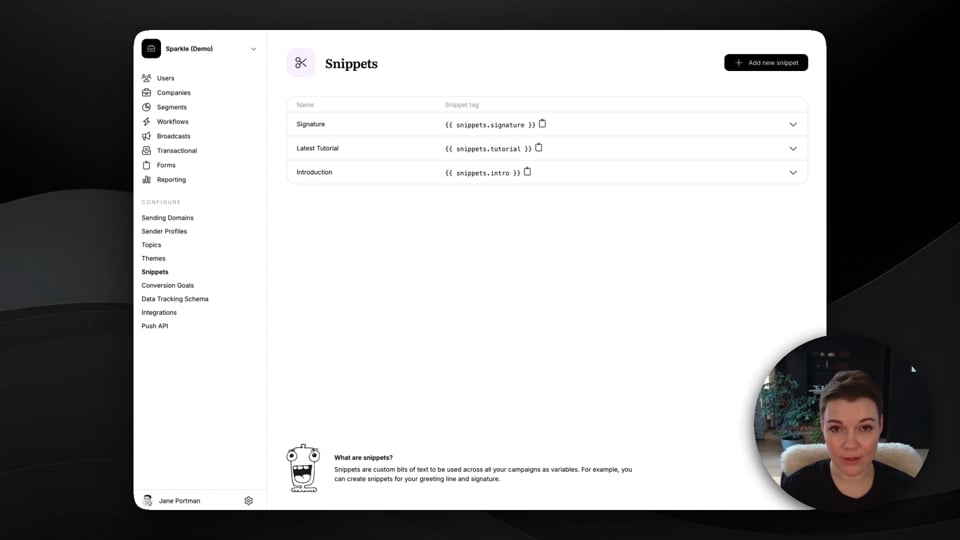
Using snippets in Userlist
Learn how to create a snippet and use it in your messages.
1:20
Missing image https://i.vimeocdn.com/video/2157006967-148b0a19053f22c935e8117ec78061be834bfe8c9d7fa17f555478c388b748ff-d_960?region=us
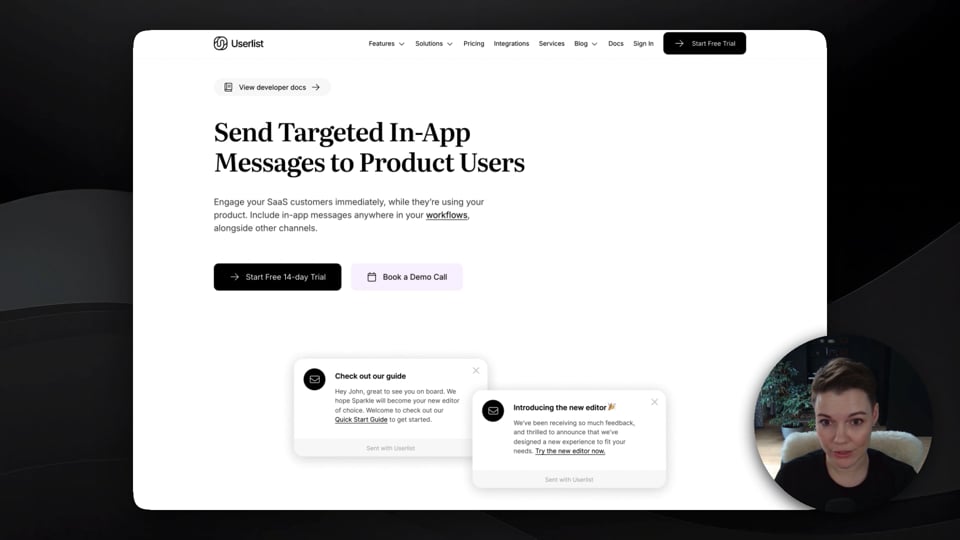
Using in-app messages in Userlist
Learn how to create an in-app message, and see how it looks inside the product.
0:54
Missing image https://i.vimeocdn.com/video/2157433559-2da8cca8cc375d44fcb614520dcc544e8647bd973421ddce81e979070c52c509-d_960?region=us
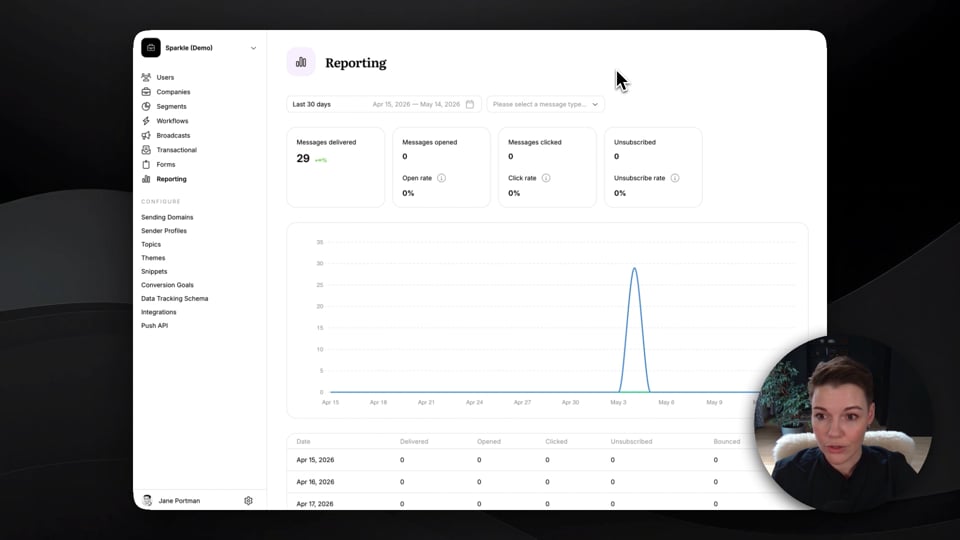
Performance reporting in Userlist
Learn about the general reporting center, and performance reporting for individual messages.
1:04
Missing image https://i.vimeocdn.com/video/2158696143-891dc94c39f079d0559ee7e31e7176c12fd9ab6e24f6a0a81b0ef0f8f6f7a46b-d_960?region=us
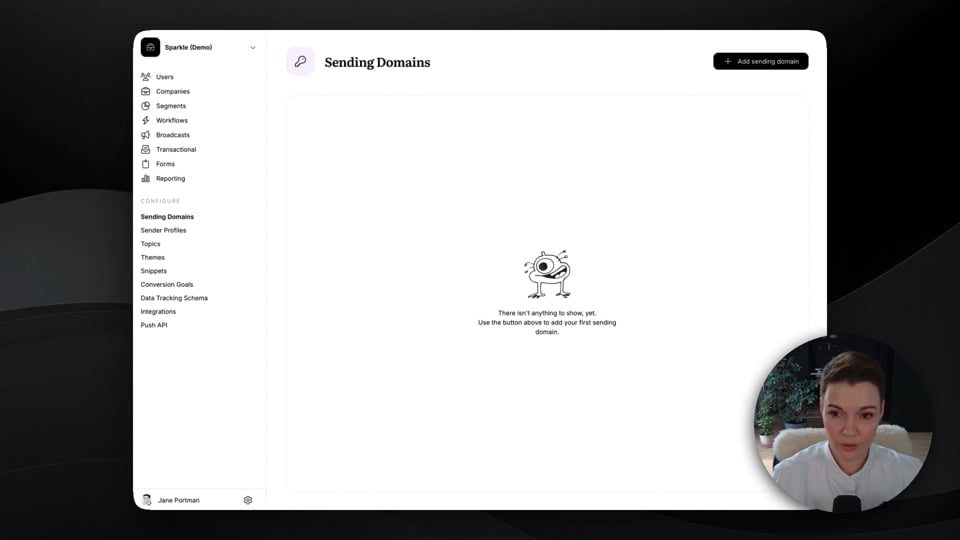
Sending domains and sender profiles in Userlist
Learn how to authenticate a sending domain, and create a sender profile with custom fields.
1:48

Book your discovery demo

Let’s see how Userlist fits into the bigger picture of your SaaS business. You’ll learn about our automation features, integrations, proven lifecycle frameworks, and how we can help you hit your SaaS growth targets.